
Central Price Book
Manage and protect price book integrity.
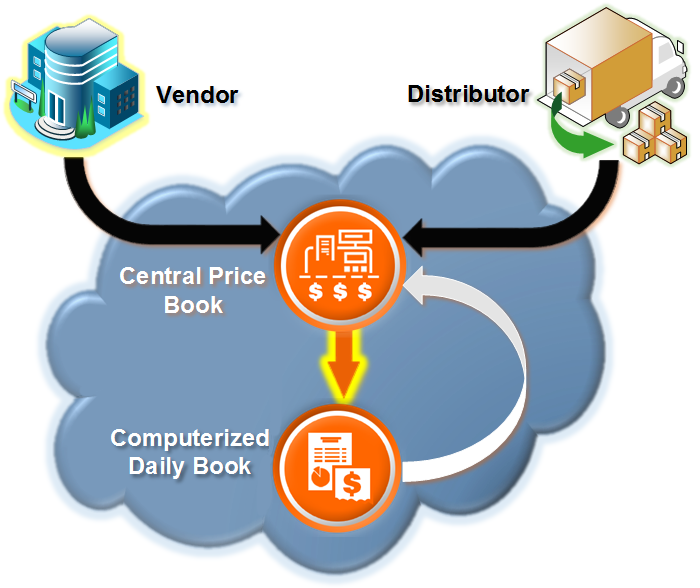
Central Price Book extends the functionality of SSCS’ Computerized Daily Book by providing cloud-based, enterprise price book control from the location you choose.
Control prices from a single location.
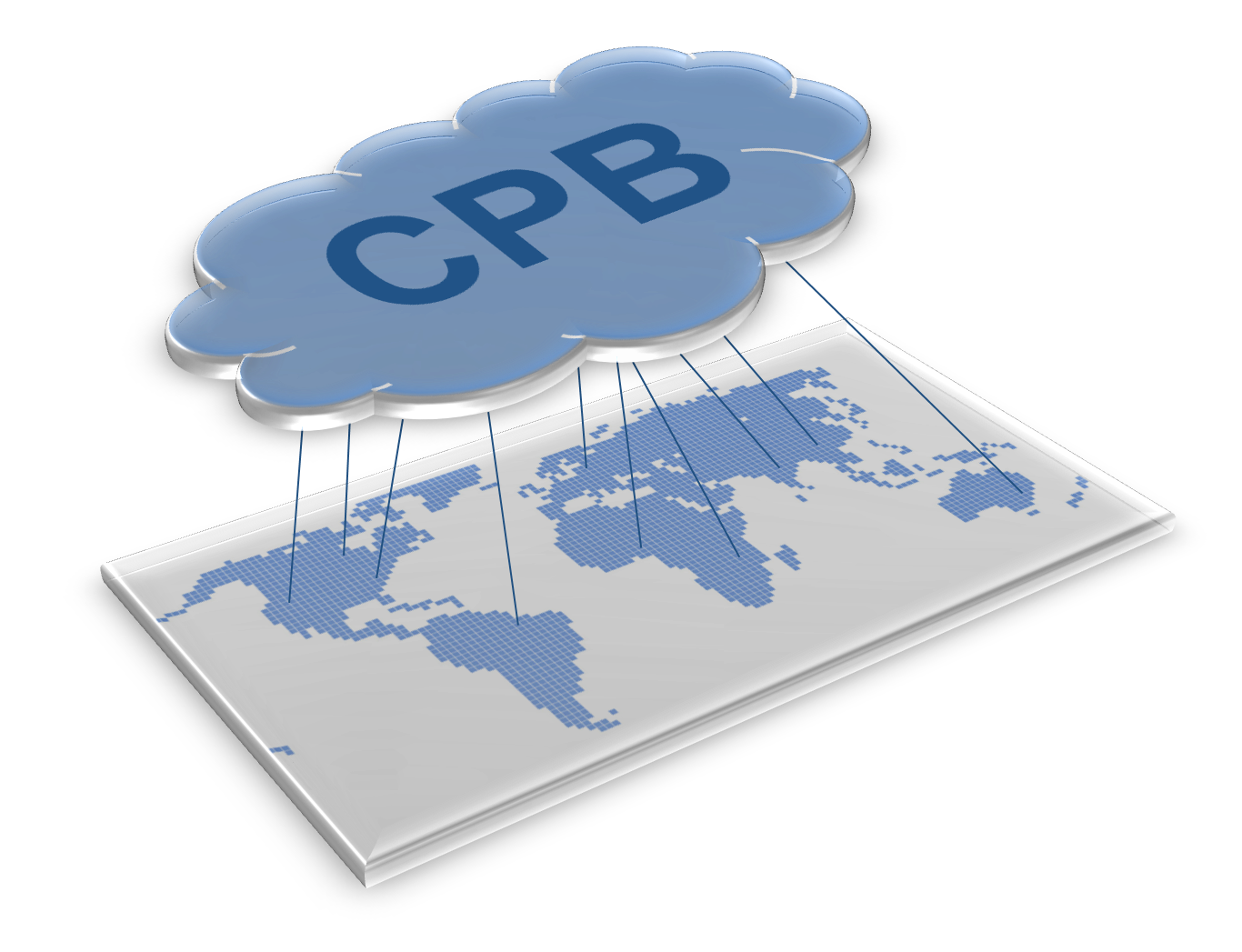
Update and transfer prices throughout the enterprise, or to and from sites or CDB zones established to organize stores by geography or other pricing-sensitive classifications. Price adjustments can be made by percentage, margin, or dollar amount. Know what is available and what the price will be, so your stores can begin selling the product in the right department and at the right price when the items hit your store.
Foodservice one and done.
CPB is fully capable of handling complex pricing permutations like foodervice recipes, ingredients, and units of measure. Enter them once and pass them from site to site as needed without having to set them up again and again. The relationship of subordinate ingredient items to their “parent” recipe items and costs is completely retained whether you create them in the CDB or Central Price Book, itself.
Get the vendor pricing you expect.
CPB’s Negotiated Price Manager provides an easy way for you to compare the costs you’ve negotiated with your vendors (for a specified time period) against the actual values that appear on purchase transactions recorded in the CDB. It’s an easy way to identify and document variances between the agreed-upon and received cost. Create records that represent your negotiated cost sets, add items to them as needed and label them so they can be recalled for reference. Delete and modify those negotiated cost sets when you make an error or your agreement with the vendor changes.
Central Price Book makes it easy to monitor and control the complex world of changing vendor costs – something central to every business’ profit margins, and to keeping prices competitive for your customers.